

How to Add Recommenders, Teachers & Counselors on the Common App
How to add recommenders on Common App is one of the most common questions I hear from students in August and September — right when the pressure of application season starts to build. You know your teachers need to submit letters. But where in the portal do you actually add them? And what’s the difference between inviting a recommender and assigning one?
In 10 years of guiding students through the Common App™ at HYE Tutors, the recommender section is the single biggest operational bottleneck I see. I’ve had students request letters through email, then panic two weeks later because they couldn’t find where to assign them in the portal. I’ve also seen students lose sleep over the FERPA waiver — convinced they’re giving up something important when, in reality, it’s a straightforward trust signal. This guide walks through every step exactly as it appears on your screen, so nothing catches you off guard.
How do you add recommenders on Common App?
Log into your Common App account > click My Colleges > select a college > choose Recommenders and FERPA from the left menu. Complete the FERPA waiver, then click + Invite Recommender, select the recommender’s role (Teacher, Counselor, or Other School Official), and enter their email address.
They receive an invite and complete their Evaluation form within the portal. After they submit, you must separately assign their evaluation to each college via that college’s Recommenders and FERPA tab.
Understanding Recommenders, Teachers & Counselors on Common App
The Common App uses specific language around recommendations that trips up a lot of students. Before anything else, let me clarify the terminology — because the rest of this guide will make more sense once you do.
On Common App, a “recommender” is any teacher, school counselor, or official who writes a letter on your behalf. The platform calls this letter an “evaluation,” not a recommendation — confusing, yes, but it’s the same thing. Here’s how the roles break down:
Teachers — academic recommenders who taught you in a class. Most colleges require one to two teacher evaluations.
School Counselor — typically required by every college on your list. Your counselor also submits your official transcript and school report through the same system. Note: you can only invite one person to this role.
Other School Official — an optional role for a principal, registrar, or advisor who can add context your counselor or teacher cannot.
The number of letters required varies by school. Most colleges ask for one to two teacher evaluations plus one counselor letter, but always verify the specific requirements in each college’s tab on Common App — some ask for more, some make teacher letters optional. According to Common App’s counselors and recommenders page, students must both invite and assign teachers to individual colleges, while counselor submissions apply to all schools simultaneously.
Mentor Tip: Check each college’s requirements before you invite anyone. School A might want two teachers plus a counselor. School B might want one teacher plus an optional other official. Knowing this first means you’re inviting the right people from the start.
Step-by-Step: How to Add Recommenders on Common App
Here’s exactly how to add a teacher or counselor, step by step. I’m walking through the actual buttons you’ll click and the fields you’ll fill in — in the sequence the platform presents them.
Step 1: Log In and Navigate to Recommenders & FERPA
Log into your Common App account at commonapp.org.
Click My Colleges at the top navigation bar, then select a specific college from your list.
On that college’s sidebar, select Recommenders and FERPA — this is the exact label you’ll see.
You’ll need to complete the FERPA section before you can invite anyone (more on this below).
Mentor Tip: The Recommenders and FERPA section lives inside each individual college, not in your general account. Students frequently search the wrong place. Start from My Colleges, not from your profile.
Step 2: Complete the FERPA Waiver
Before inviting anyone, Common App will prompt you to answer the FERPA (Family Educational Rights and Privacy Act) question.
You’ll see two options: “I waive my right to review this evaluation” or “I do not waive my right.” Almost every mentor and admissions officer will tell you to waive.
Once a recommender submits, you cannot change your FERPA answer — so decide before inviting.
Mentor Tip: I’ve never advised a student to keep their FERPA rights. Waiving signals trust, and colleges expect it. Some teachers will decline to write a letter at all if you don’t waive — they want to know their words are confidential.
Step 3: Click “+ Invite Recommender” and Select a Role
Click the green + Invite Recommender button.
A pop-up will ask you to select the recommender’s role: Teacher, School Counselor, or Other School Official.
Choose the role that matches how this person will be identified on their letter. If your coach also teaches a class you’re in, select Teacher unless the school says otherwise.
Step 4: Enter the Recommender’s Email Address and Send
Type in the teacher’s or counselor’s email address exactly as it appears. One typo means they never receive the invitation.
Click Send Invite. The recommender receives an email from Common App with a unique link and instructions to create their recommender account.
They then complete the Evaluation form — uploading or typing their letter directly inside the portal — and submit when done.
Mentor Tip: Send invites at least three weeks before the deadline — ideally in September. Teachers receive dozens of these requests every October and November. Early is always safer, and it gives your recommender time to write something thoughtful.
Step 5: Track Status and Confirm Submission
Return to the Recommenders and FERPA tab for that college. You’ll see each recommender’s name, role, and current status: Invited, In Progress, or Submitted.
A submitted evaluation shows a green checkmark. That’s your confirmation.
If someone remains “Invited” with a week to go, email them directly — portal invites occasionally land in spam filters.
Need someone to walk through this with you in real time?
Our college admissions mentors at HYE Tutors have helped hundreds of students complete the recommender process without missing a step. Book a free session and we’ll go through your list school by school.
What Is Teacher Certification & the FERPA Waiver on Common App?

FERPA — the Family Educational Rights and Privacy Act — is a federal law that gives you the right to access your educational records. In the college application context, the waiver is a single decision: do you want to give up the right to read your recommendation letters after enrollment?
The answer, in virtually every situation, is yes — waive. As CollegeVine’s FERPA explainer puts it, admissions committees value candid evaluations, and recommenders write more freely when they know their letter is confidential. Some teachers will decline to write a letter altogether if you choose not to waive.
Waiving doesn’t mean you’ll never see the letter. If a recommender wants to share it with you, they can email it directly — your waiver only prevents you from formally requesting it through the college later. It’s a trust agreement, not a permanent barrier.
Mentor Tip: The FERPA question is the same across all your schools on Common App. Decide once, answer consistently, and move on. I’ve never seen a strong application hurt by waiving.
Managing & Assigning Recommender Evaluations to Colleges
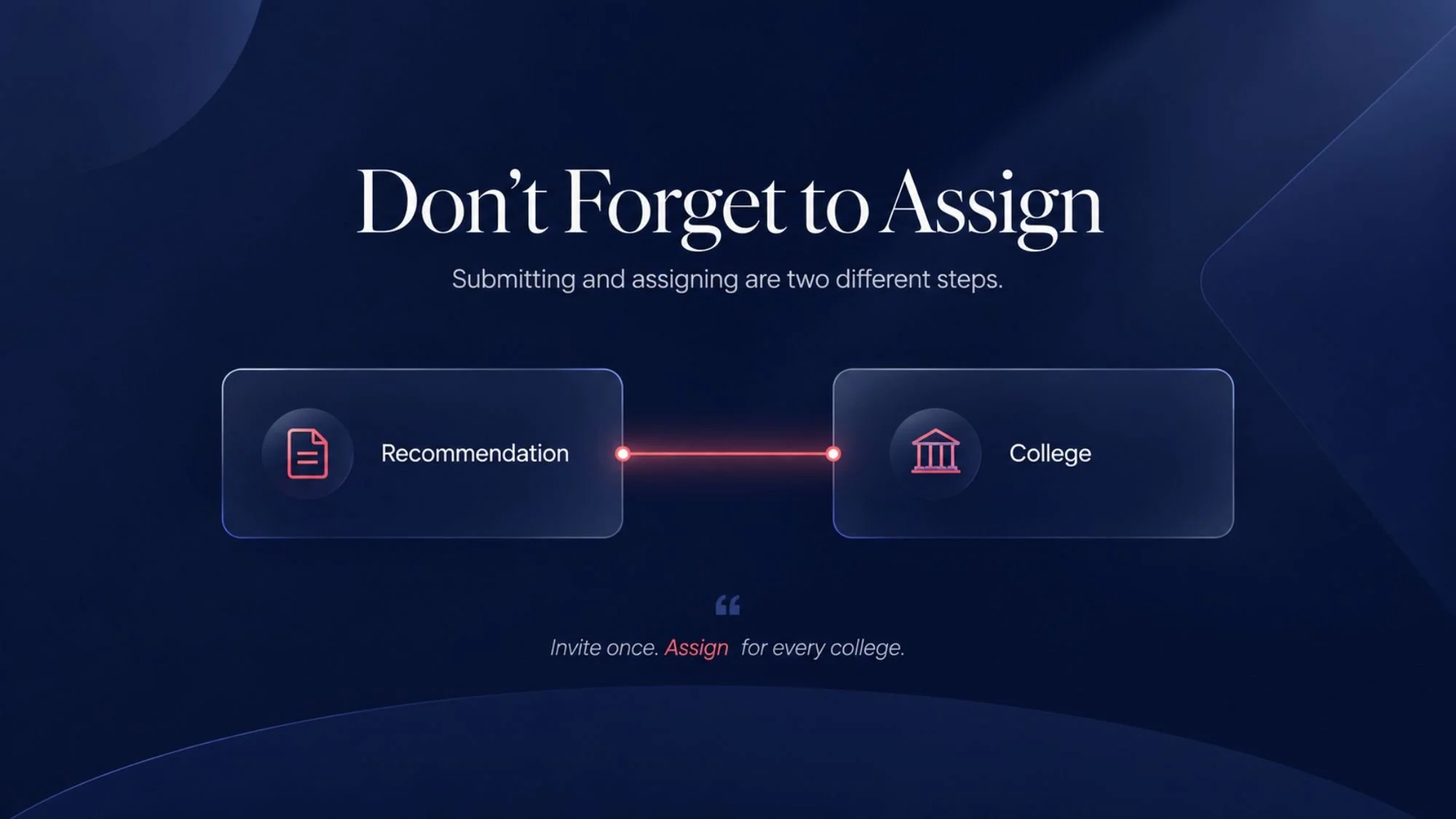
Submitting a recommendation and assigning it are two separate steps — and forgetting the second one is the most common mistake I see students make after October.
After a recommender submits their evaluation, you must go into each college’s Recommenders and FERPA tab and assign that person to that specific school. The evaluation does not automatically route to every college on your list.
Here’s the workflow:
Go to My Colleges > select a college > open Recommenders and FERPA.
Use the assignment dropdown to select which submitted evaluations to include for that school.
Repeat for every college on your list — requirements differ, so assign accordingly. School A may want two teacher evaluations; School B may want one.
Mentor Tip: Build a quick checklist for yourself: recommender submitted → go to each college → assign that evaluation. Don’t assume it auto-populates. A few minutes per school now prevents a frantic follow-up call to an admissions office in January.
FAQs
How many letters of recommendation does Common App require?
Most colleges require one to two teacher evaluations plus one school counselor letter. Some schools make teacher letters optional. Always verify the exact requirement inside each college’s Recommenders and FERPA tab on Common App — requirements vary and the portal shows you precisely what each school needs.
When are recommendation letters due on Common App?
Recommendation deadlines follow your application deadline — typically January 1st for Regular Decision, with Early Decision and Early Action deadlines falling in November. Set your personal invite deadline at least three weeks earlier to give recommenders adequate time. You can track submission status in real time on your Common App dashboard.
What if a recommender hasn’t submitted by the deadline?
If a recommender’s status still shows Invited or In Progress as the deadline approaches, email them directly — don’t rely on the portal notification alone. Some schools will review incomplete applications and follow up; others may not. It’s your application, so follow up personally and early.
Can I remove or replace a recommender on Common App?
Yes. In the Recommenders and FERPA tab, find the person you want to remove and click Delete. If you’ve already assigned their evaluation to colleges, you’ll need to update those assignments with a different recommender. Deleting the invite does not affect materials already reviewed.
What’s the difference between inviting and assigning a recommender?
Inviting sends the teacher or counselor an email link so they can log in and submit their letter. Assigning is the separate step of deciding which submitted evaluations to include in each college’s application. You invite once per recommender; you assign separately per school. Both steps are required.
Do I need a school counselor recommendation?
Most schools require one. If your school doesn’t have a counselor, contact each college’s admissions office directly — many will accept a principal, academic advisor, or school official in that role. Don’t skip the counselor requirement without explicit confirmation from the school.
The Bottom Line
How to add recommenders on Common App is a process, not a single action — but once you walk through it once, it becomes routine. Invite early. Handle the FERPA waiver thoughtfully. Track submission status. And don’t forget to assign.
The students I’ve seen move through this most smoothly sent invites in September, confirmed submissions in October, and assigned evaluations in November before their December deadlines. You have more time than you think — but only if you start now.
Once your recommenders are submitted and assigned, the next step is making sure the rest of your application is ready to go. If you’re unsure about any step, or if a school’s requirements feel unclear, our college admissions advisors at HYE Tutors are ready to help you navigate it. Book your free session today.
About the Author:
HYE Tutors has personally walked hundreds of students through the recommender invitation and assignment process — including first-generation applicants, international students, and students navigating multiple application platforms simultaneously. Their students have been admitted to Harvard, Columbia, Stanford, UCLA, UC Berkeley, and top-20 universities nationwide. Specializing in Common App mechanics, recommender strategy, and making the technical parts of the application process feel manageable for students and parents alike.